Buying the right diagnostic equipment is one of the fastest ways to improve workshop efficiency — but it’s also where many workshops get stuck. The big question usually isn’t “which brand?” — it’s what coverage you actually need: light vehicle, heavy vehicle, CV (commercial vehicle), or a mix?
In this guide, heavy vehicle typically means truck/fleet work, while CV is broader and often includes mixed commercial vehicles across a fleet.
This guide breaks down the differences and helps you choose a setup that fits your vehicle mix, workflow, and the jobs you do most.
If you want a broader overview of how diagnostics fits into the bigger picture, start with our workshop equipment guide.
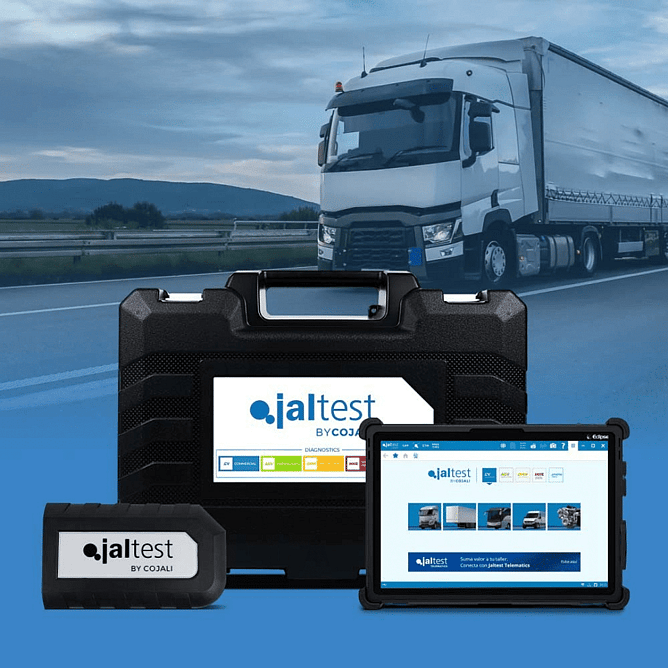
Why “one scan tool for everything” doesn’t always work
Some tools claim broad coverage, but in practice workshops often run into one of these issues:
Coverage gaps for the vehicles you see most
Limited functions (can read codes, but can’t do the deeper work)
Slow workflow or confusing UI (costs time across the day)
Update pathways that don’t keep up with the vehicles coming through your doors
The best approach is usually: choose your primary vehicle type first, then build capability from there.
Light vehicle diagnostics
If your workshop mainly services passenger vehicles and light commercial, your priorities are usually:
Fast fault finding and live data
Common service functions (resets, adaptations, maintenance workflows)
Coverage across the makes you see weekly
Consistent workflow so staff can move quickly between vehicles
Explore options here: car diagnostic scan tools →
You can also start from the category hub: diagnostic equipment →
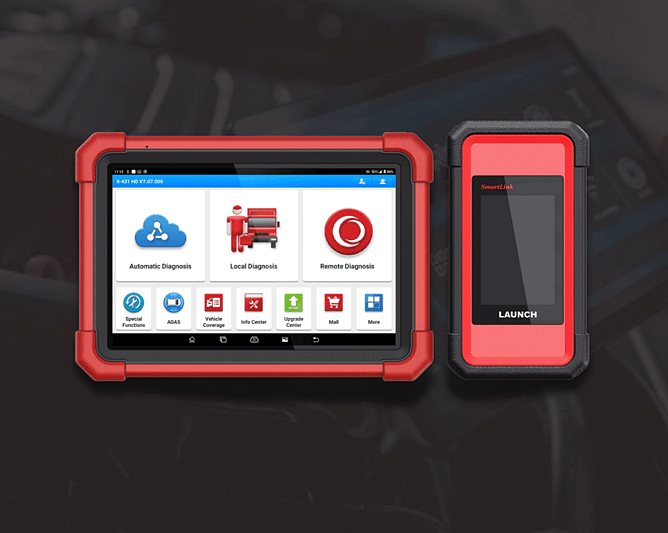
Heavy vehicle diagnostics
If you service trucks, fleets, or heavy vehicles, diagnostics typically needs:
Deeper coverage (systems and modules differ from passenger vehicles)
Workshop reliability (tools that hold up under daily use)
The ability to support fleet-grade troubleshooting, not just quick code reads
Support and updates so you’re covered as fleets modernise
Explore options here: truck diagnostic scan tools →
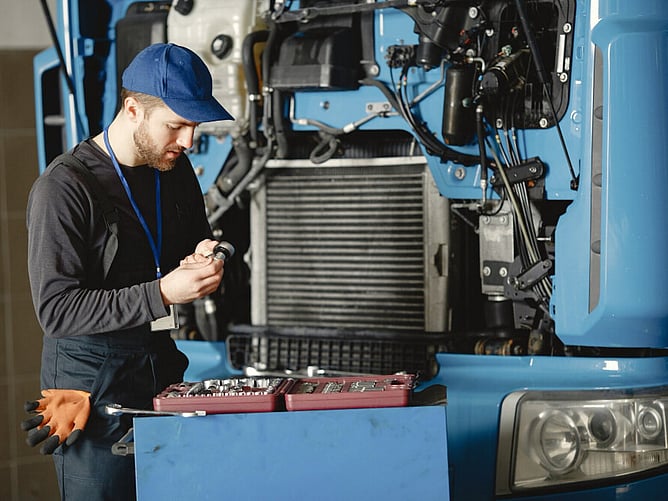
CV diagnostics (commercial vehicle)
If you’re dealing with commercial vehicles (or a mixed workshop that sees “a bit of everything”), CV capability can be the difference between:
Confidently quoting and completing work, or
Wasting time chasing coverage limitations
CV capability is often what stops you from having to turn away commercial jobs due to coverage limitations.
CV diagnostics is often a smart step for workshops that service:
Mixed fleets
Light commercial + commercial vehicles
Workshops expanding into fleet work
Explore options here: CV scan tools →
What should you buy first? (3 common workshop scenarios)
1) “We’re mostly passenger + light commercial”
Start with a strong light vehicle scan tool that covers your common makes and the functions you actually use every week. Then expand into deeper electrical capability if needed.
2) “We’re a fleet / heavy vehicle workshop”
Prioritise heavy vehicle coverage and reliability first. In fleet work, downtime and incomplete diagnostics cost you quickly.
3) “We’re mixed — cars, light commercial, and some fleet/CV”
Choose based on what you see most often, then add CV coverage to reduce “we can’t do this one” moments. Mixed workshops usually win by building capability in stages.
Quick checklist before you choose
Use these questions to sanity-check any diagnostic purchase:
What vehicles do we service most? (light vehicle / heavy / CV / mixed)
What functions do we need beyond code reading? (service resets, live data, actuation tests, calibrations)
How important are updates and support in NZ?
Who in the team will use it daily? (workflow + ease-of-use matter)
Will this setup still fit us in 12–24 months? (hybrid/EV trend, fleet modernisation)
If you’re not sure, start with our diagnostic equipment hub or browse the full category guide for context: workshop equipment.
Not sure what’s best for your workshop?
Tell us your vehicle mix and the jobs you do most, and we’ll recommend a practical diagnostic setup that fits your workflow and budget.